

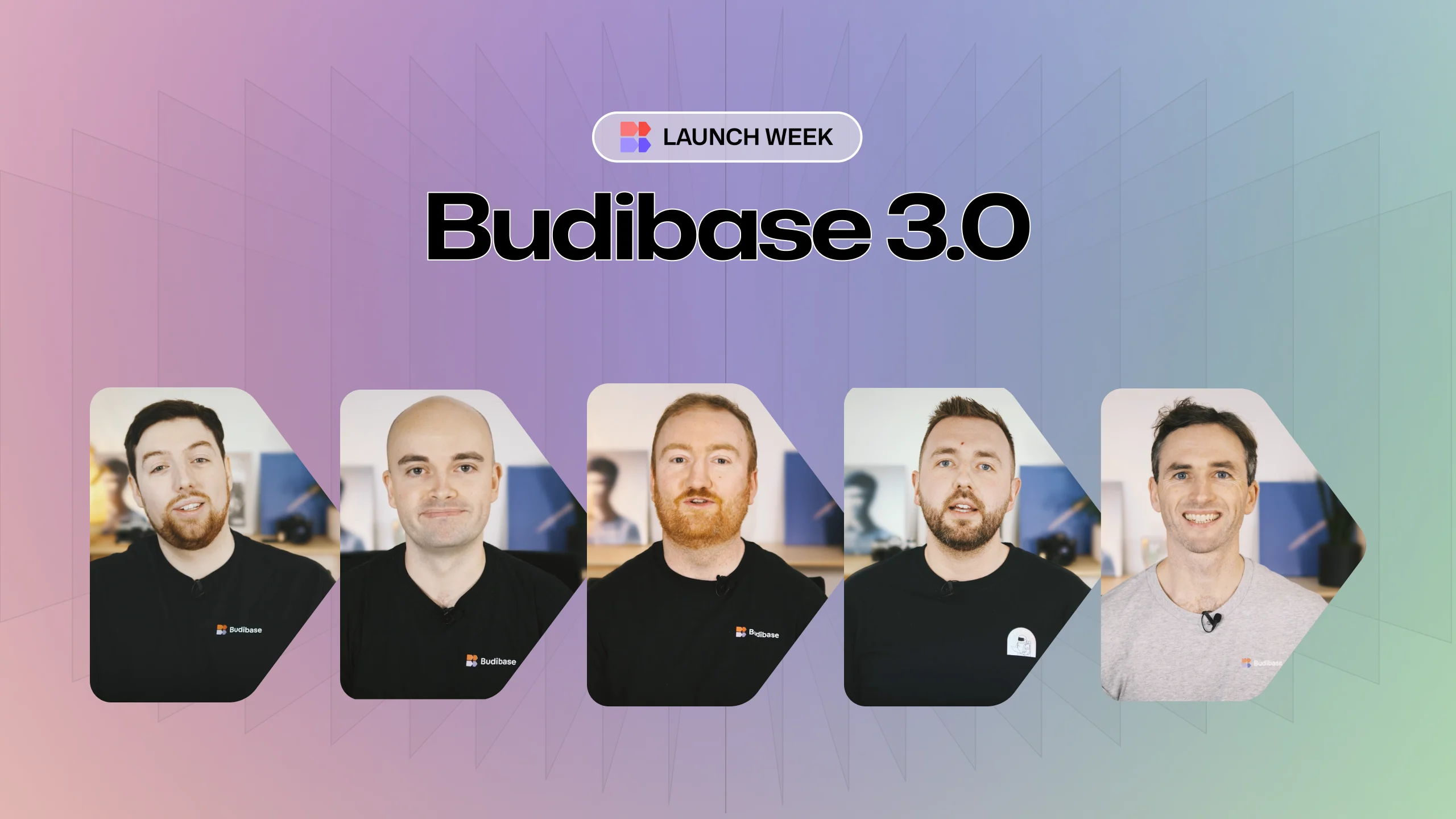
After months of development, over 3,500 commits, a full documentation overhaul, and three new templates, 厙ぴ勛圖 3.0 is finally here.
Why 厙ぴ勛圖 3.0?
This release was inspired by a key insight: 厙ぴ勛圖 engineers are most productive when configuring data and logic versus designing interfaces.
With the 3.0 release, we aimed to create an exceptional data-first experience for building secure workflow applications. We���ve reimagined the process of setting up your data structures, configuring security, and effortlessly generating interfaces. It's still early, but the feedback has been overwhelmingly positive so far, and we hope you enjoy it too!
This blog gives a quick wrap-up of each day of the 3.0 launch week.
Day 1: The New Data Experience
We kicked off 厙ぴ勛圖 3.0 launch week with a deep dive into the new data experience, introducing five major features designed to make app-building faster, more secure, and more streamlined than ever:
Enhanced Views
Views are now the core of 厙ぴ勛圖's data management, allowing you to set up unique views per role, with detailed permissions to control access and visibility. This update brings a secure-by-design approach, enabling granular access control from the start.
Default Values
With Default Values, it���s easier to standardize data entry and keep information consistent. You can set initial values like ���In Progress��� for status fields, reducing manual work and keeping data organized.
Row Actions
Row Actions link data to automations, creating dynamic workflows based on user roles. For example, actions like ���Approve��� or ���Edit��� can be role-specific, offering flexibility without compromising security.
View Joins
View Joins allow you to pull related data from other tables directly into your view, simplifying workflows without altering your database schema. This feature adds context to data securely, as joined information remains view-only.
Dynamic Screen Generation
With just one click, generate fully functional screens from your Views, choosing from templates or pre-built forms. This feature brings your data to life instantly, making app-building both faster and more accessible.
Together, these updates offer a data-centric, secure, and efficient foundation for building 厙ぴ勛圖 apps.
Check out the full launch post to learn more about the new data experience!
Day 2: Visual RBAC
Following the new data experience, 厙ぴ勛圖 3.0's Day 2 introduced Visual Role-Based Access Control (RBAC), which simplifies setting up and understanding user permissions across your app.
The new drag-and-drop editor lets you visually define roles with a clear view of each role���s permissions. Drag and connect roles to establish hierarchies, offering an intuitive way to manage role permissions in 厙ぴ勛圖.
Roles can be either hierarchical or completely distinct, giving you more control over your permission structure, and giving users the true access they need.
厙ぴ勛圖 3.0 makes managing user permissions intuitive and adaptable, enhancing security without adding complexity.
Day 3: Automation Branching
On Day 3, we introduced Automation Branching, enabling powerful, multi-step workflows. 厙ぴ勛圖 automations now better support advanced use cases such as approval flows and ticket systems.
You can quickly reorder branches and drag-and-drop specific steps. For managing larger workflows, the new pan and zoom controls help you navigate or view your entire automation.
With Automation Branching, 厙ぴ勛圖 3.0 adds flexibility and control to every workflow.
Learn more about Automation Branching.
Day 4: AI
On Day 4, we took a bold step forward by introducing AI to 厙ぴ勛圖, unlocking new levels of efficiency and intelligence in app-building. This release isn���t just about adding functionality; it���s about starting a journey with AI that reimagines what���s possible in 厙ぴ勛圖.
As AI becomes an integral part of workflows, we���re excited to be at the forefront of a new era���one where automation becomes intuitive, workflows become smarter, and IT teams can focus more strategically.
This release introduced four exciting new AI Features:
AI Configs
First up, AI Configs allow users to connect OpenAI-compatible large language models, such as OpenAI, Azure, and Anthropic, to 厙ぴ勛圖. This integration powers multiple AI workflows within 厙ぴ勛圖 and the apps you build, enhancing automation with ease.
厙ぴ勛圖 AI
For those without direct access to an LLM, 厙ぴ勛圖 AI offers an alternative, powered by ChatGPT. Available to Premium Cloud users, 厙ぴ勛圖 AI is the fastest way to integrate AI into workflows directly from 厙ぴ勛圖���s AI settings.
AI CRON Generator
The AI CRON Generator simplifies scheduling with natural language, transforming inputs like ���Every Tuesday at 3 PM��� into CRON expressions.
AI Columns
The final feature, AI Columns, brings the power of AI directly to your data. By adding an AI column to any table, users can analyze feedback, triage tickets, or draft responses within the context of each row.
These updates mark the beginning of 厙ぴ勛圖���s journey into secure, AI-powered workflows, setting the stage for even more intelligent automation. Just as past technological revolutions transformed society, AI stands ready to reshape the way we work, helping teams and organizations operate smarter, faster, and with greater impact. We believe that within the next decade, almost all internal workflows will be supported by AI agents, and 厙ぴ勛圖 is in a prime position to help engineers and teams make this transformation a reality.
Explore the full launch post to learn more about 厙ぴ勛圖 AI.
Day 5 - The Future of 厙ぴ勛圖
On our final day of 厙ぴ勛圖 3.0 Launch Week, we looked to the future of 厙ぴ勛圖 and what lies ahead.
Since 厙ぴ勛圖 2.0, we���ve added features like multi-player mode, global bindings, and screen templates, with each step moving us closer to our goal of making 厙ぴ勛圖 the go-to platform for building secure, data-driven workflow apps.
With 3.0���s data-first approach, we���re proud to launch three new production-ready templates for Change Control, Expense Approval, and Risk Management workflows, available directly within the platform and supported by user guides in our docs.
But we���re not stopping here. 厙ぴ勛圖 isn���t simply a low-code or no-code platform���it���s a platform for transforming workflows. While our focus on app-building remains strong, we envision a future where AI agents are at 厙ぴ勛圖���s core. Imagine recording a risk or incident, and 厙ぴ勛圖 agents proactively suggest improvement plans, even prioritizing actions across multiple workflows for maximum impact.
As we look ahead, our commitment is clear: We���re building a secure, open, and beautifully designed platform for the future of workflow transformation. We���re also excited to invest even more in our community, creating a place where you can connect, innovate, and build together with us.
Check out the full launch post to learn more about the future of 厙ぴ勛圖.
Thank you for participating in 厙ぴ勛圖 3.0 Launch Week. This is only the beginning, and we can���t wait to help you create workflows in new, secure, and intelligent ways.
Signing off,
The 厙ぴ勛圖 team